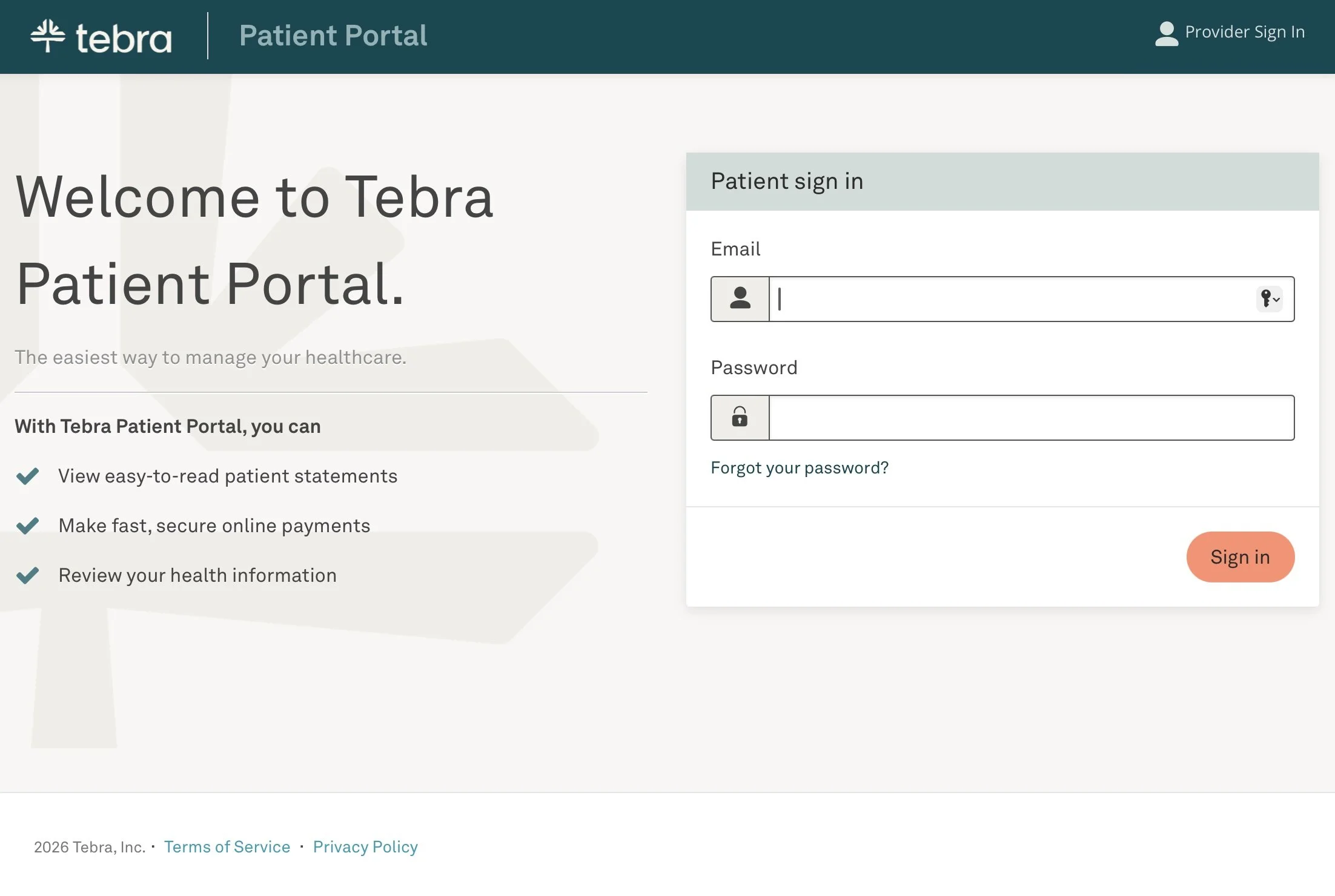


Patient Portal
At Fenix, we use the Tebra Patient Portal to give our patients secure, convenient access to their medical information anytime. The portal helps you stay connected with your healthcare team and take an active role in managing your health.
What can you do in the portal?
Through the Patient Portal, you can:
View lab results and medical documents
Review your medications, allergies, and visit summaries
Send secure messages to your healthcare provider
Complete forms and receive educational materials
View account statements and make online payments
Access your medical information from your phone or computer
How do I create my account?
After your visit, you will receive an email invitation to activate your account.
Open the invitation email.
Click Get Started.
Create a password.
Enter your date of birth.
Sign in to the Patient Portal.
How do I sign in?
You can access the Patient Portal here:
To sign in:
Enter the email address associated with your account.
Enter your password.
Click “Sign In”.
Need help?
If you have trouble accessing your account or need assistance using the Patient Portal, please contact our team. We're happy to help.
Phone: (847) 909-2004
Appointments: Ext. 2
Information (Spanish): Ext. 4